








Formulas
Formulas are custom mathematical expressions that you can use to compare and combine the value of multiple series.
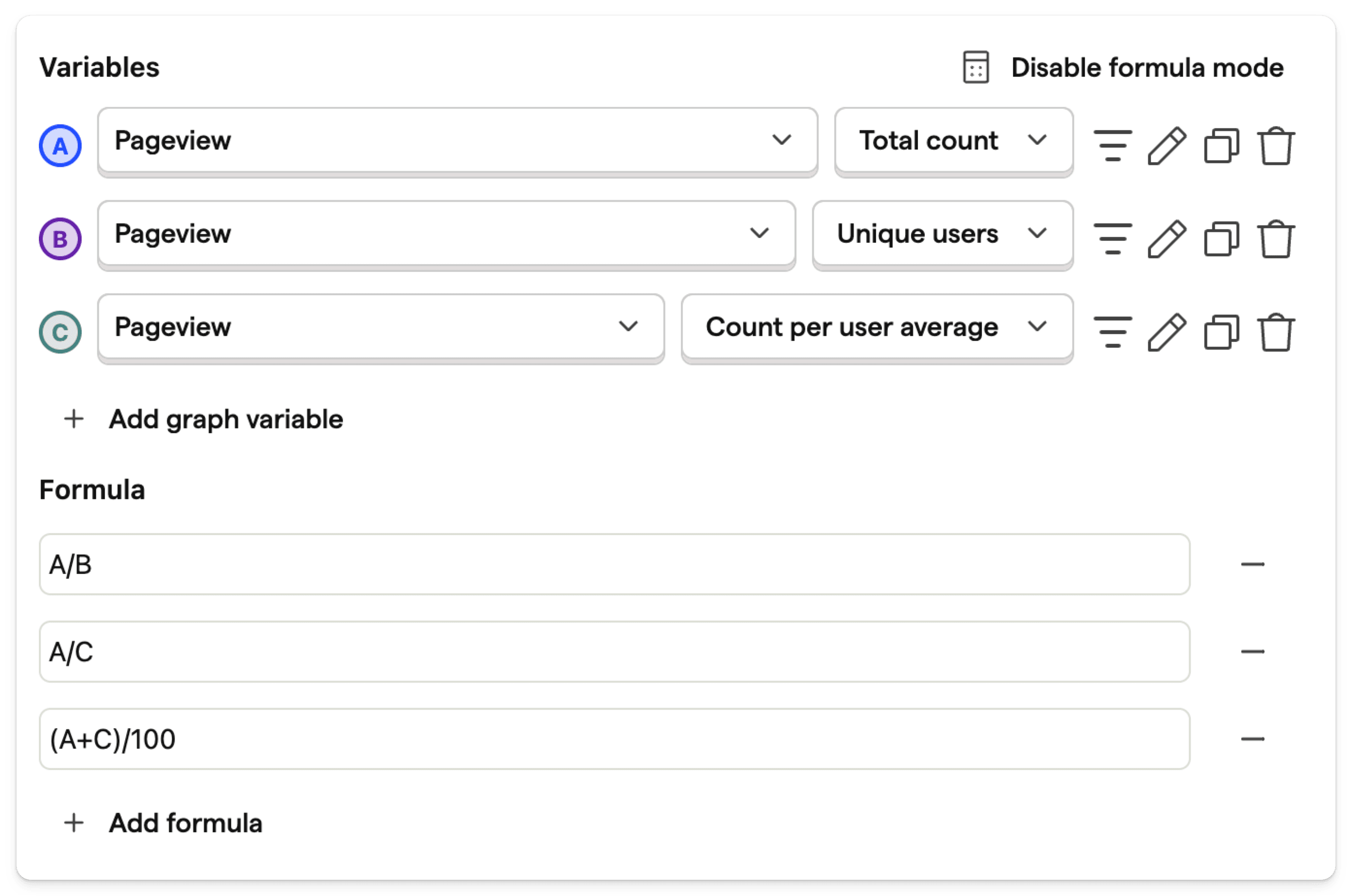
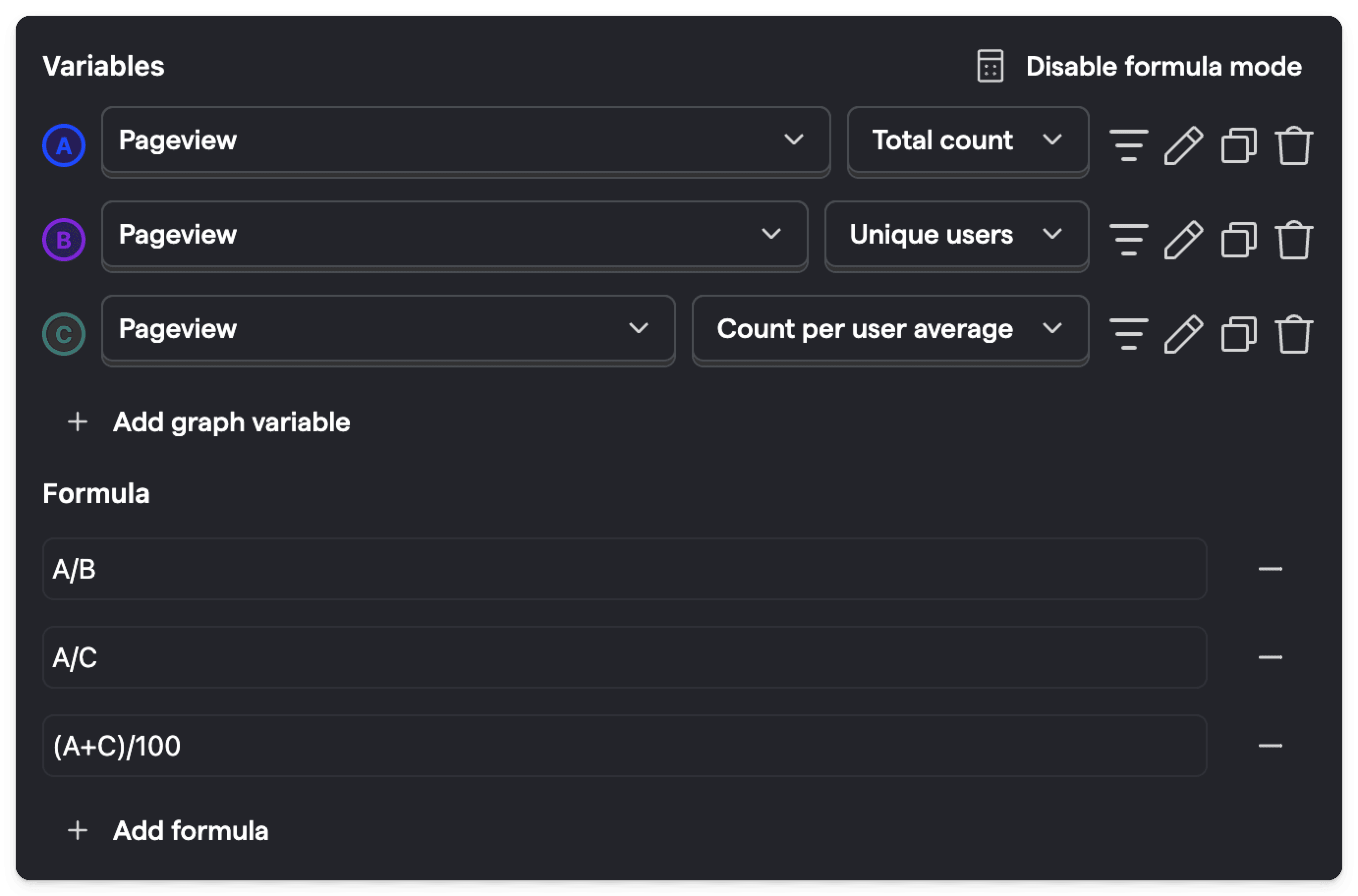
To add a formula, click Enable formula mode. Then, within the input box, type out the expression you would like to evaluate.
This expression can contain any number of basic mathematical operators (+, -, *, /) along with variables (A, B, C, ...), which correspond to the series with that letter.
If you have two series A and B, then the formula A / B will plot the value of series A divided by the value of series B at each point in time.
You can add multiple formulas to your insight, each will be shown as a separate series.
PostHog is an all-in-one developer platform for building successful products. We provide product analytics, web analytics, session replay, error tracking,feature flags, experiments, surveys, LLM analytics, data warehouse, CDP, and anAI product assistant to help debug your code, ship features faster, and keep all your usage and customer data in one stack.